Blender for Dome
Contributors
About
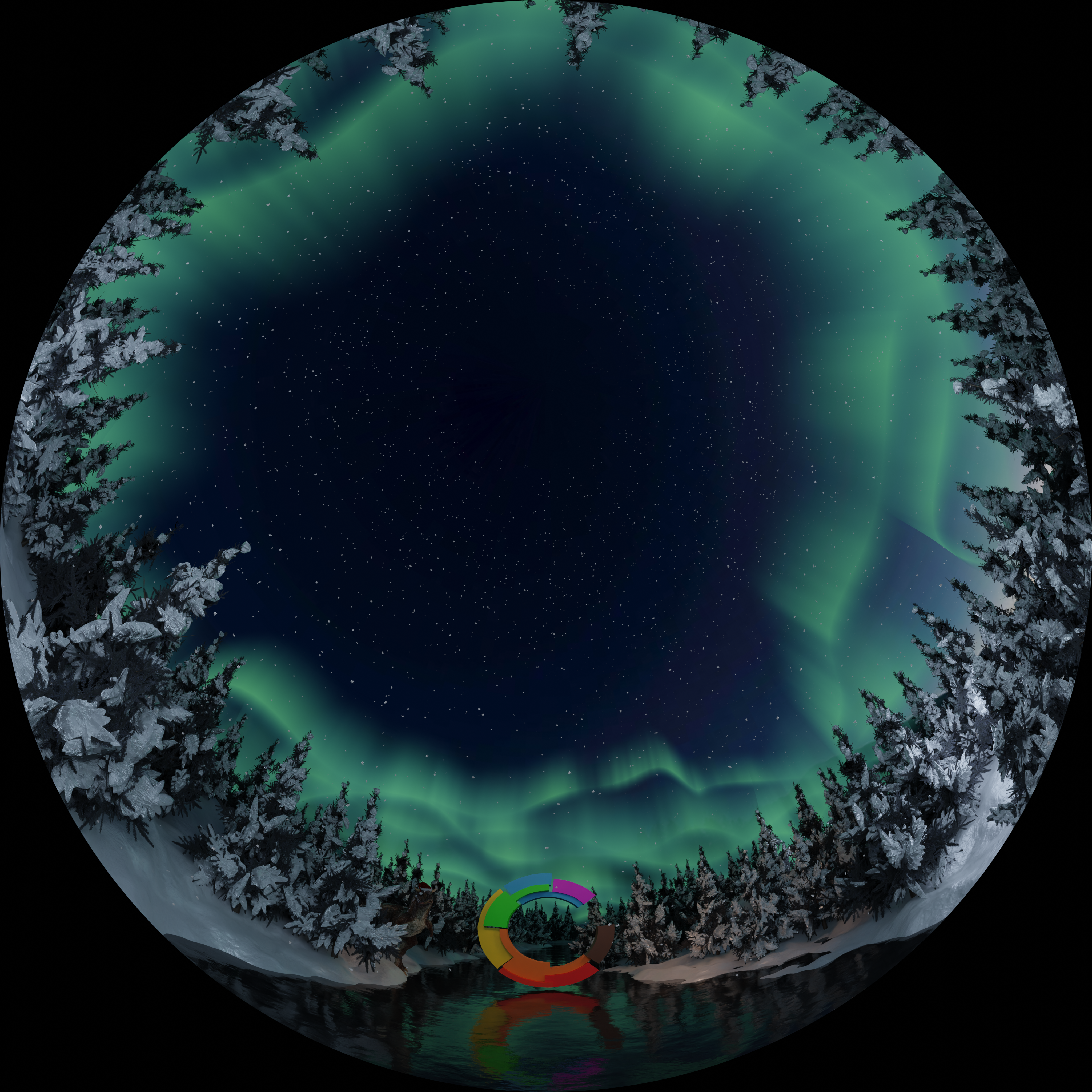
To make videos and images suitable for the Dome, you need to render in the fisheye format or equiretangular format. Both of these are possible with Blender's Cycles renderer.
Rendering forward stereo
Set the resolution to a 1:1 aspect ratio under Output Properties. Usually 4096x4096 or 8192x9192. Under output properties enable Stereoscopy. You probably don't want to use the default of 4096 Samples and Denoise. 1024 Samples without denoising usually gives a good result and renders a lot faster. If you want to render a pre-split video use the Individual setting for output. For images and non-split videos enable Stereo 3d and then Side-by-Side (even when rendering a still image you need to Render Animation for the image to save properly).
Select the Camera in the scene. Under Camera Properties change Type to Panoramic and Panorama type to Fisheye Equidistant. Under Camera Properties you can change the Stereo Mode, if you use Off-Axis projection, then 7.4m is the Convergence Distance best suited for the Dome. Also consider how the pitch of the camera will place objects in the Dome. Rotating the camera 153 degrees upwards around the camera's X-axis will align the 3D world's horizon with the Dome's horizon.
Omnidirectional Stereo.
For Omnidirectional Stereo you want to render in Equirectangular format. Change the aspect ratio to 2:1. Under Camera Properties set Panaorama Type to Equirectangular. Enable Spherical Stereo. Rotate the camera so that it's pointing towards the object that you want in the center of the final image.