Stitcher Tool
Contributors

C-Stitch — Cubemap Stitcher for Fisheye/Fulldome Output
About C-Stitch
C-Stitch is an open-source Qt/Kirigami rewrite of the SGCT cubemap stitcher. It takes four cubemap faces, or separate left and right eye cubemaps, and renders fisheye/fulldome still-image sequences through the SGCT OpenGL pipeline.
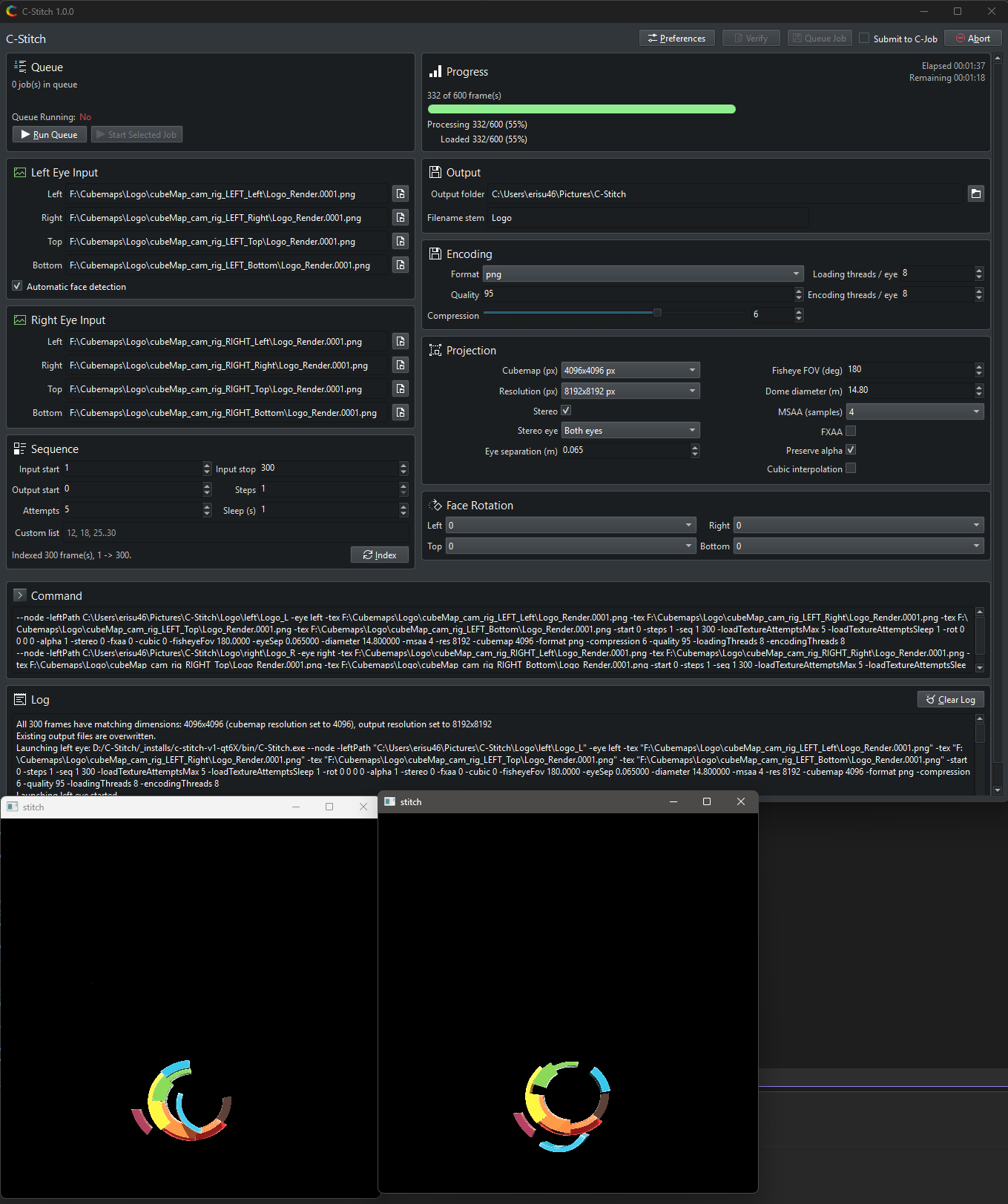
C-Stitch follows the C-Slice application model: the UI is the master process, and pressing Stitch launches the same executable in --node mode for high-performance rendering.
Main Features
- Stitch left, right, top, and bottom cubemap faces into fisheye/fulldome images
- Run stereo as separate left-eye and right-eye node jobs for independent decode, render, readback, and saving
- Use off-axis stereo controls for eye separation and dome diameter
- Choose fisheye field of view values beyond the classic 180 degree case
- Decode images with Wuffs and render with SGCT/OpenGL
- Save PNG, JPEG, and TGA output through a local threaded stb writer
- Index numbered image sequences before long stitch jobs
Backend
C-Stitch is based on these open source projects:
- SGCT for the OpenGL rendering and projection pipeline
- Qt and KDE Frameworks for the master UI and settings
- Wuffs for image decoding
- stb for local image writing
Version
Current project version: 1.0.0
Download
C-Stitch v1.0.0 (Latest Open-Source Version)
Get the latest release of C-Stitch from GitHub:
- Download C-Stitch v1.0.0 — Pre-built Windows installer with all required runtime dependencies
Legacy Version
For compatibility with existing workflows, the previous version is still available:
Using C-Stitch
Cubemap Input Layout
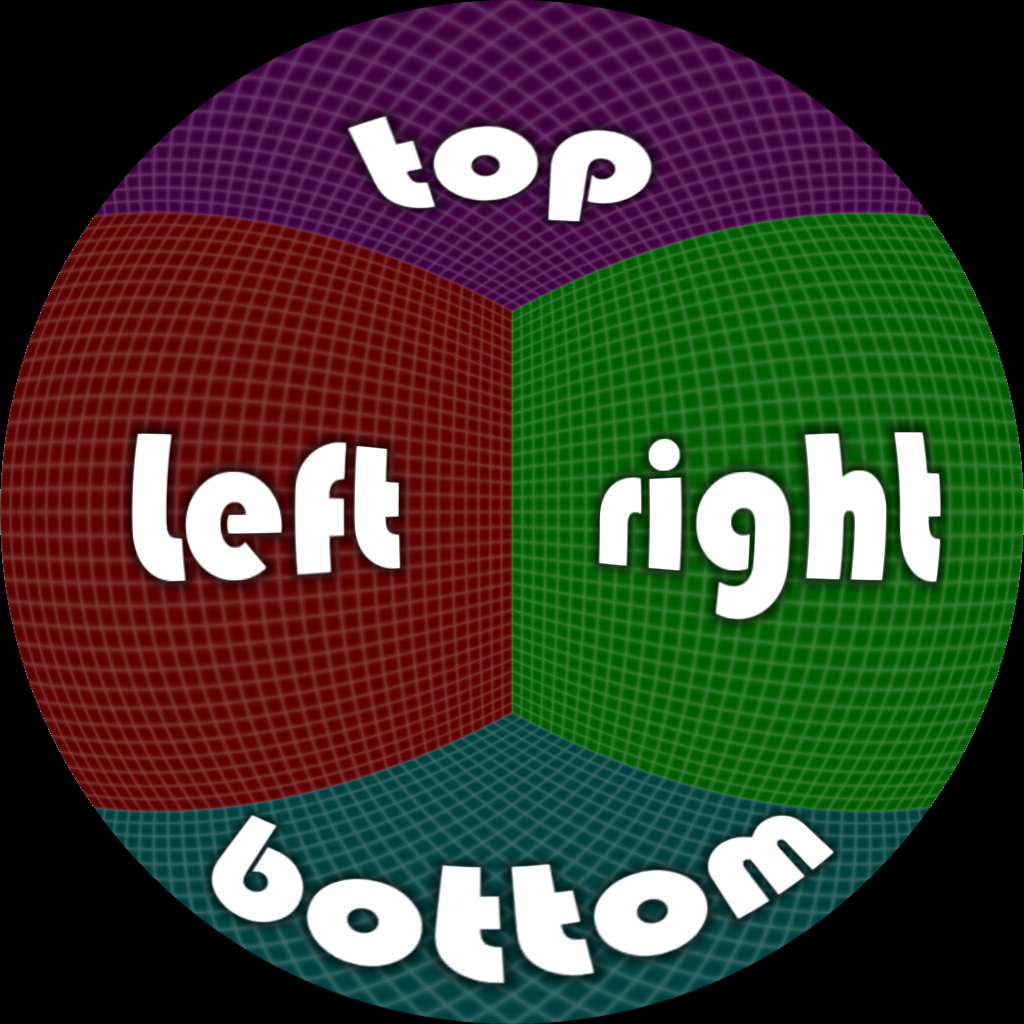
C-Stitch expects four cubemap faces per eye: left, right, top, and bottom. In stereo mode, C-Stitch can launch both eye jobs, only the left-eye job, or only the right-eye job. Mono mode launches one job with no active eye separation.
Image sequences are detected from numbered filenames such as Frame_0000.png, and C-Stitch can adopt the detected start and stop frame range automatically.
Cubemap folders can be arranged with short face directory names:
LL,LR,LT,LB— for the left-eye or mono left/right/top/bottom facesRL,RR,RT,RB— for the right-eye left/right/top/bottom faces
When automatic face detection is enabled, selecting one numbered image from this layout fills the matching sibling face paths that contain the same filename and indexes the sequence range. If all right-eye face folders are present, stereo mode is enabled automatically.
Stitch Workflow
- Choose cubemap faces — Select the four cubemap faces for mono output, or the needed left-eye and/or right-eye face sets for stereo output
- Select stereo mode — Choose mono, both stereo eyes, left stereo eye only, or right stereo eye only
- Set projection values — Configure fisheye FOV in degrees, dome diameter in meters, eye separation in meters, resolution in pixels, and cubemap resolution in pixels
- Index the sequence — Scan numbered files to detect the frame range before stitching
- Choose output settings — Select output directory, filename stem, format, and threaded loading/encoding counts
- Verify or Stitch — Press Verify to validate inputs or Stitch to render the sequence
The UI launches C-Stitch.exe --node for the actual OpenGL stitch operation.
Rendering Controls
Important rendering controls include:
- Stereo output — Eye selection, fisheye field of view, dome diameter, eye separation, output resolution, cubemap texture resolution, MSAA, FXAA, and cubic filtering
- Per-face rotation — For left, right, top, and bottom faces
- Input sequence — Start/stop frame range, output start frame, step size, and texture loading retry behavior
- Output options — PNG compression level, JPEG quality, output format, loading threads, and encoding threads
Settings & Performance
C-Stitch preferences are stored with KDE KConfig. The settings dialog can load saved startup values, reset to defaults, copy values from the current UI state, and save new startup values.
Key performance settings:
- Loading threads / eye — Controls Wuffs face-loader workers (constrained to multiples of four)
- Encoding threads / eye — Controls the local stb save queue
- Stereo mode runs each eye independently, so these counts apply per eye
External Resources
For more detailed documentation, visit the official C-Stitch documentation:
- Main Documentation — Home page with all guides
- Install Guide — Installation instructions for Windows and building from source
- Setup Guide — Configuration and cubemap input setup
- Workflow Guide — Detailed stitching workflow
- Settings Reference — All available settings and options
- GitHub Repository — Source code and releases