LBE Arkitekt Revit plugin
Contributors

Funding



Initiatives

About
This was a Visual Lift project that we did for LBE Arktitekt, an architect firm in Växjö. They wanted a better way to export geometry data from their Revit projects, rather than manually gathering it and making calculations. They goal was to gather the quantity of different building materials, to calculate cost and the climate impact of materials. The end product was a plugin for Revit that could export quantity data to Excel, as well as calculating climate impact based on Boverkets climate database.
PyRevit
pyRevit is a plugin that you add to your Revit installation, that allows you to add scripts and functionality using the pyRevit framework. Adding a pyRevit extension will typically add some UI element to the toolbar, such as a button, that will automate some task that you otherwise do manually. To get started with pyRevit and the LBE extension, do the following:
- Download pyRevit and install it. Make sure that you don't have Revit open during installation, since this might cause issues with the installation.
- Download the LBE extension from this repository
- In Revit, under the pyRevit toolbar, click the pyRevit dropdown and Settings. Under Custom Extension Directories, add the folder containing the LBE extension. Make sure to NOT pick the .extension folder, but the folder one level above.

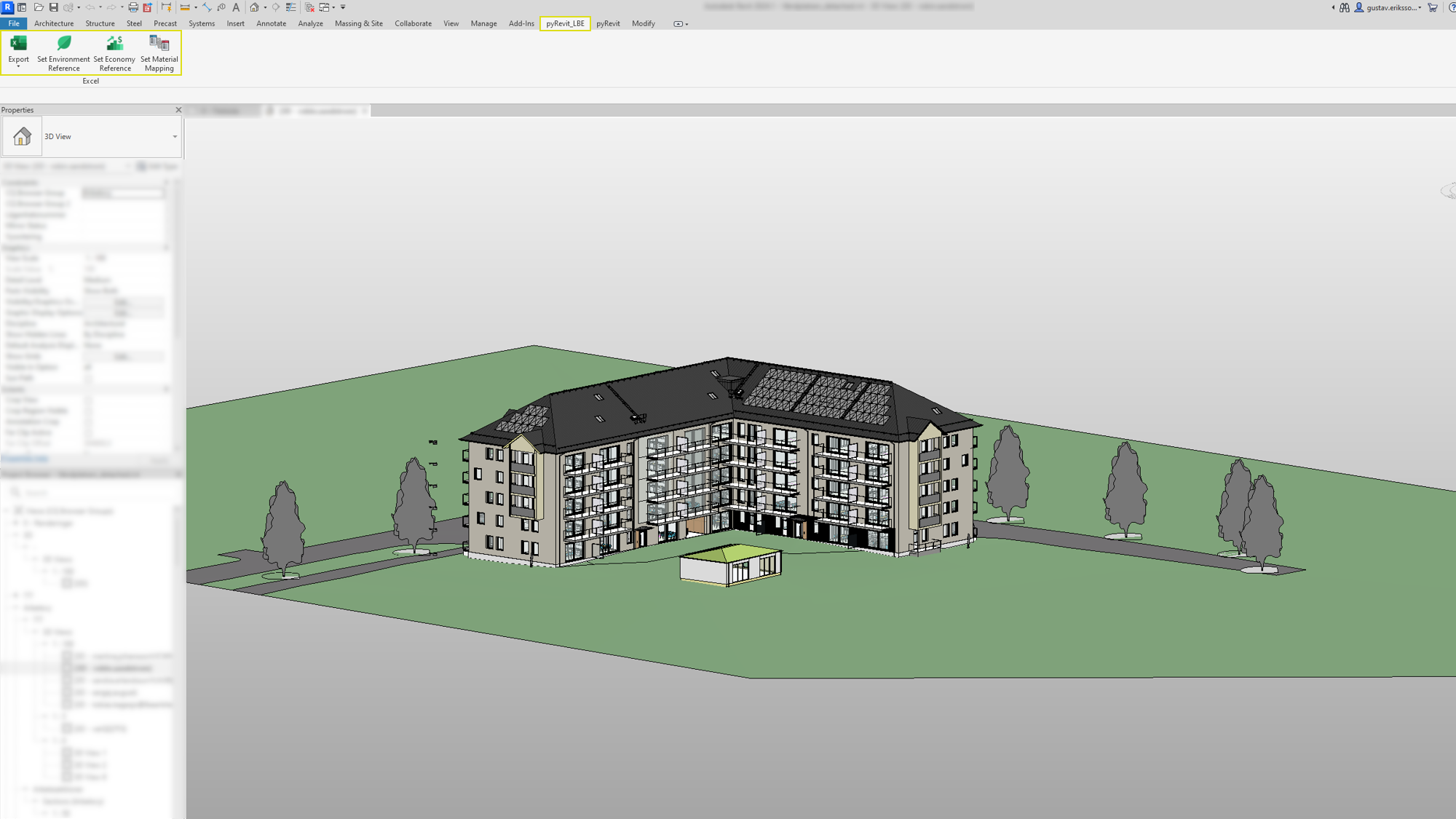
- You should now have two new tabs, "pyRevit" and "pyRevit_LBE"
Using the plugin
The plugin is pretty simple to use. The user just needs to setup some reference data, and subsequent usage will only involve pressing the Export button. Note that any Excel sheets that you reference should be closed when using the plugin. Reference documents are saved in a cache, and similarly the Export button will remember and export to the last exported file.
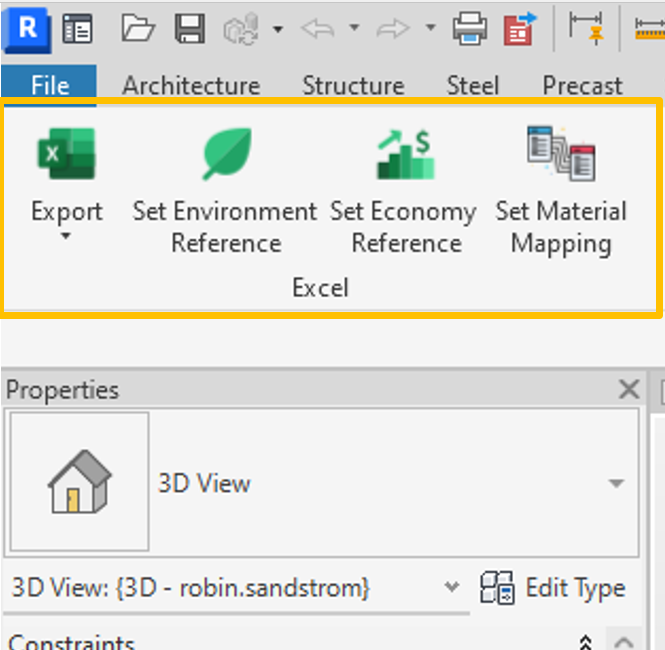
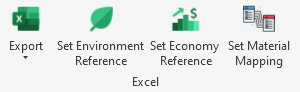
- Export/Export As: Exports the data and calculated values into a given Excel Sheet.
- Set Environment Reference: This should be Boverkets climate database
- Set Economy Reference: Currently only a dummy button
- Set Material Mapping: An Excel document with material names, where the first column is CAD materials, and the second is the corresponding climate database material
Exported data
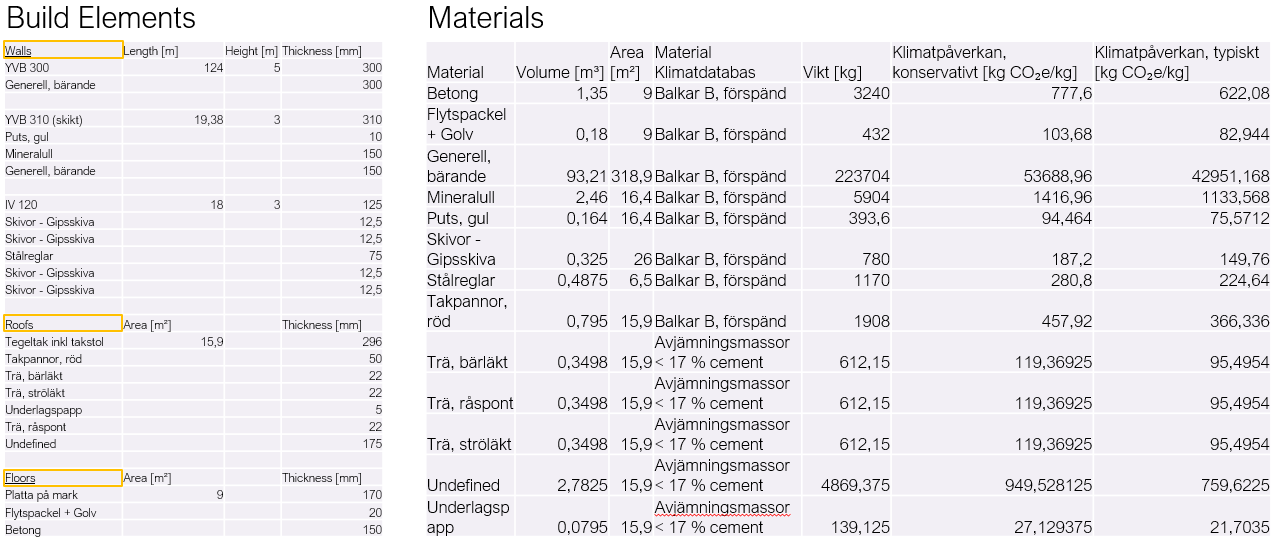
There are several types of data that is exported to Excel:
- Quantity of types
- Dimensions such as length/volume
- Layer info
- Materials
The data is collected under relevant topics and presented both as collections of build elements and an aggregate of material usage across the entire building. The climate impact is also calculated and presented directly in the spreadsheet, with calculations based on the Boverket climate Database.