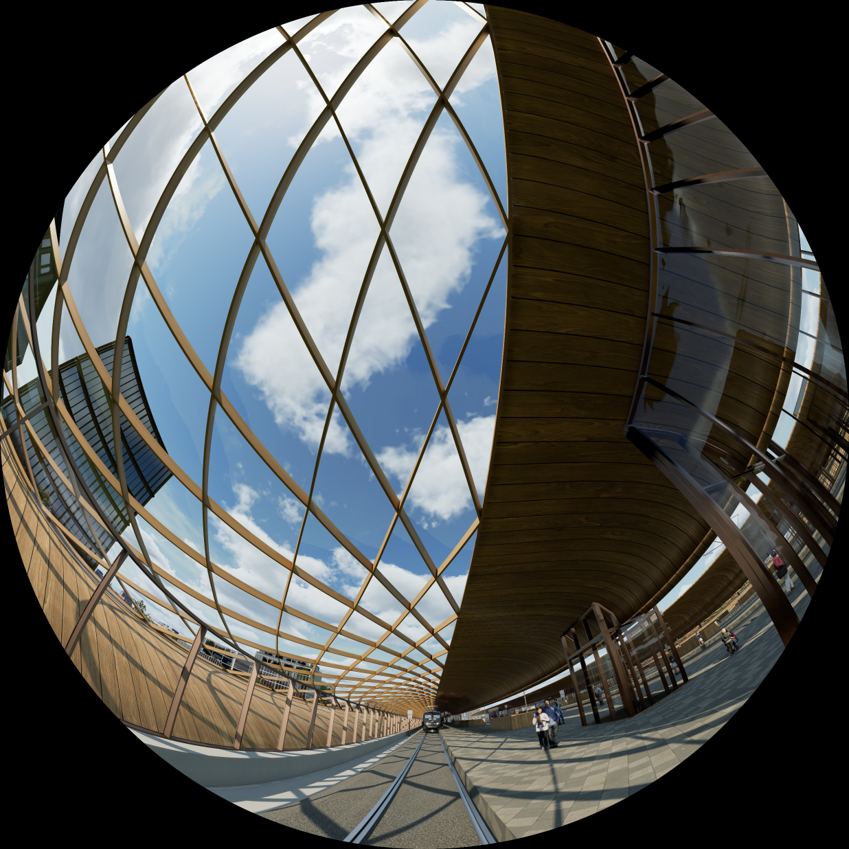
Ostlänken
Contributors


Funding




Initiatives

About
The Ostlänken exhibition was a collaboration between Linköping University, Visualiseringscenter C, Trafikverket, Norrköping municipality and SWECO. The goal was to create content for a town hall meeting at Visualiseringscenter C about the planned changes to city planning related to the Ostlänken high speed train railway. The project was built in Unreal Engine 5 and produced a touch screen application, a 2D movie and a dome movie, as well as some new content for the Simstad installation.
Terrain
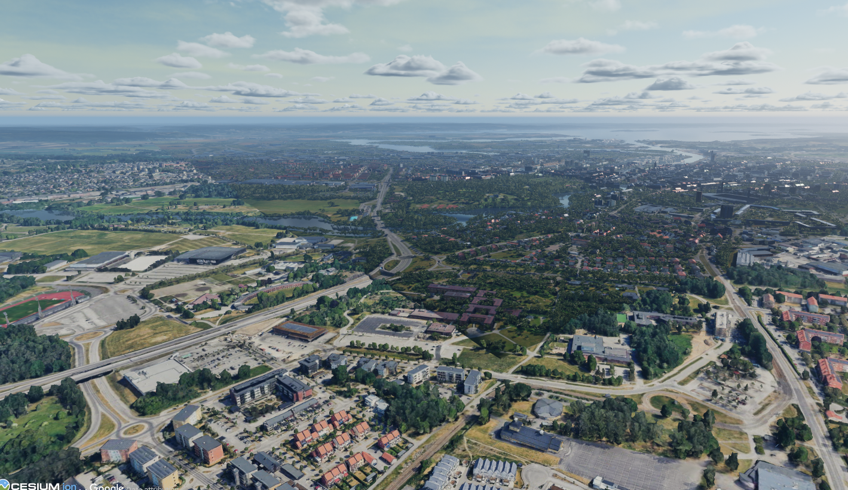
Norrköping and the surrounding area was visualized in 3D using Cesium. This plugin allows us to stream in geospatial data on demand, only loading what is in the direct view of the camera, with efficient LOD and culling. The data for central Norrköping was provided from Norrköping municipality and the terrain outside of that area came from Google Photorealistic 3D Tiles.
Cutting the terrain
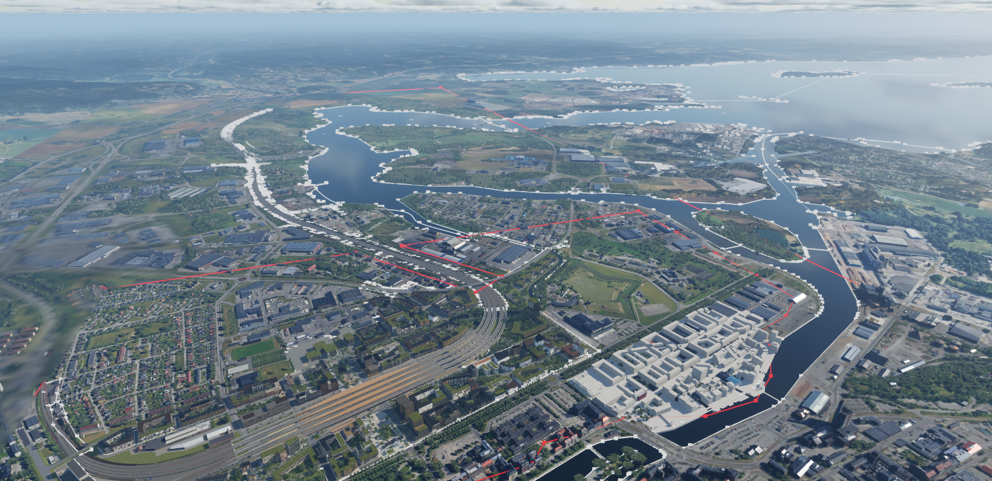
We wanted to cut out parts of the terrain to expose other features, such as the new railway model and our custom water. Cesium for Unreal ships with a feature that allows you to define a cut out area with a polygon tool, which was perfect for our use case. However, the area and resolution of the cut out we wanted required thousands of points, so defining it manually was not feasible. The solution was to script the polygon creation using Python, basing the point placements on .shp-files from Norrköping municipality for the water coverage, and from SWECO for the railway footprint. The raw data proved to have a very high performance impact on Unreal Engine when used to cut the terrain, due to the amount of points. To solve this, QGIS was used to reduce the amount of points in the shp data. The points also had to be transformed from SWEREF to the WGS84 system that Cesium uses, otherwise you noticed a mismatch between the data and the terrain over larger distances.
Trees and streetlights
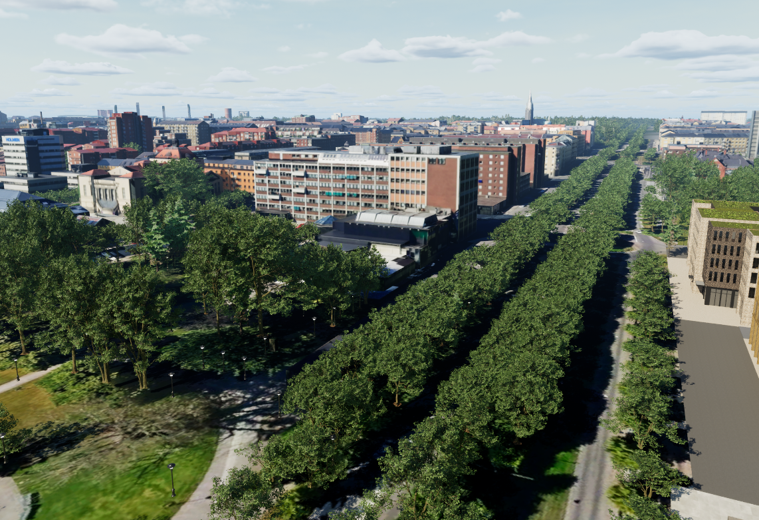
The terrain was populated with trees and streetlights using a similar method of importing shp data using Python scripting. From the point data a series of Instance Static Meshes was created, with a variation in trees based on type and age. Since each point also contained crown coverage and height, we could scale the trees for an exact match, creating natural variation in the trees. The data only contained 2D coordinates, so the Z position was determined by sampling a height map of Norrköping.
Water
The water material was created with Single Layer Water which fakes a water with depth on a plane. The moving water was created using a Flow map, which animates the water along the forward vector of a Spline Mesh.
Train and tram animations
The train and tram models were composed of an array of meshes in a Blueprint Construction script. This allowed us to define custom train wagon setups of varying lengths with a few base meshes. The trains were then animated along a spline track, where each wagon wheel pair snaps individually to the spline creating a natural "snake" motion of the train. The train object is linked to a track, and the track moves along the spline when the train world position is set. An animation can then be setup with Sequencers by key framing the trains position along the spline, which could be played on demand.
The train tracks were created by importing shp data defining the track mid line, and generating splines with a Python script. The splines then had to be subdivided into a secondary spline with equal length segments, as animation along the spline otherwise caused the speed to vary.
CAD data
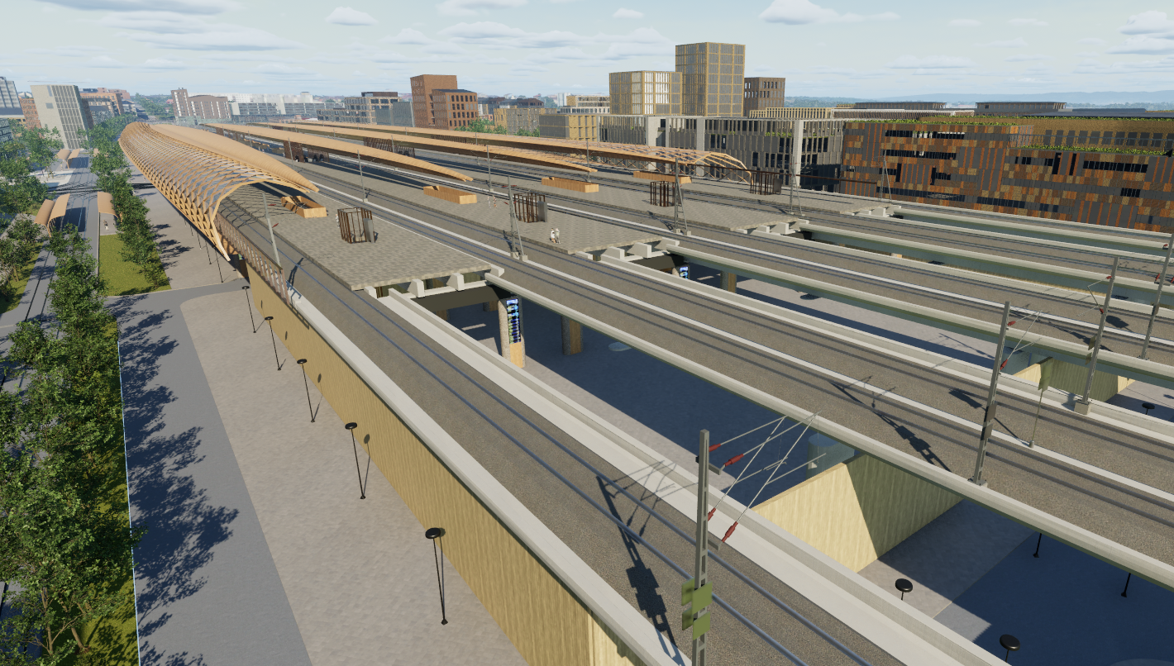
The CAD data in the project, such as the train station and train tracks was brought into Unreal Engine using Datasmith. This allows us to automate operations such as material assignment and UV mapping on thousands of objects, creating a smoother import pipeline.
The station model came from Wingårdhs architects who won the design competition for the station. The new concept for the Butängen area was created by Norrköping municipality. The railway and other infrastructure models was provided by SWECO and other subcontractors.
Coordinate system adjustments
Since the CAD models were defined in SWEREF and Cesium uses WGS84 some adjustments to the transform had to be done to fit the map data. For some more locally contained meshes it was enough to place the objects in the right location by moving the root object in the scene graph. Other models however spanned several kilometers and in those cases you again noticed a mismatch between the terrain and the models. For some models with smaller meshes we could adjust the location of objects directly in Unreal Engine, but for the larger meshes such as the train track the mesh itself had to be transformed into WGS84 in an external program by SWECO.
Linear content
As part of the town hall meeting, we created a dome movie about the Ostlänken project in Norrköping that was seen of over 600 people, as well as a flat movie for web publishing. The movies was rendered in the same Unreal Engine environment as the rest of the project, using Sequencer and Movie Render Queue
Flat movie
The flat movie was created by Erick Arango at Norrköping municipality.
Dome movie
The dome movie was rendered in Unreal Engine using our custom Fisheye render plugin pipeline. A few specific problems arose due to the fact that we were using a Cesium terrain. Since Cesium loads terrain tiles dynamically, it is important to ensure that the whole terrain in view is loaded before rendering a frame. This is even more important with our render pipeline since we stitch together multiple images, so any difference between the images become very obvious.
In the first iteration of the dome movie, we based it on the same camera sequences as the flat movie, but in a later iteration we recreated it with sequences more suitable for the dome experience.
To ensure that the terrain is properly loaded before a frame is rendered, you need to tell Sequencer to wait for Cesium to finish loading. Cesium has added a feature for this, which is enabled by placing the Sequencer asset in the level you are rendering.
Another problem that can occur is if you use a custom aspect ratio, other then the typical 16:9 aspect ratio. In those cases, you need to inform the CesiumCameraManager about your custom aspect ratio.
An annoying problem that occurred is that the render would freeze on specific frames and get stuck there. We suspect that it was caused by Cesium, but the only solution we could find was to restart the render for close to the freezing frame to get through it.
The dome movie can be viewed at Visualiseringscenter C on request for booked groups.
Simstad content
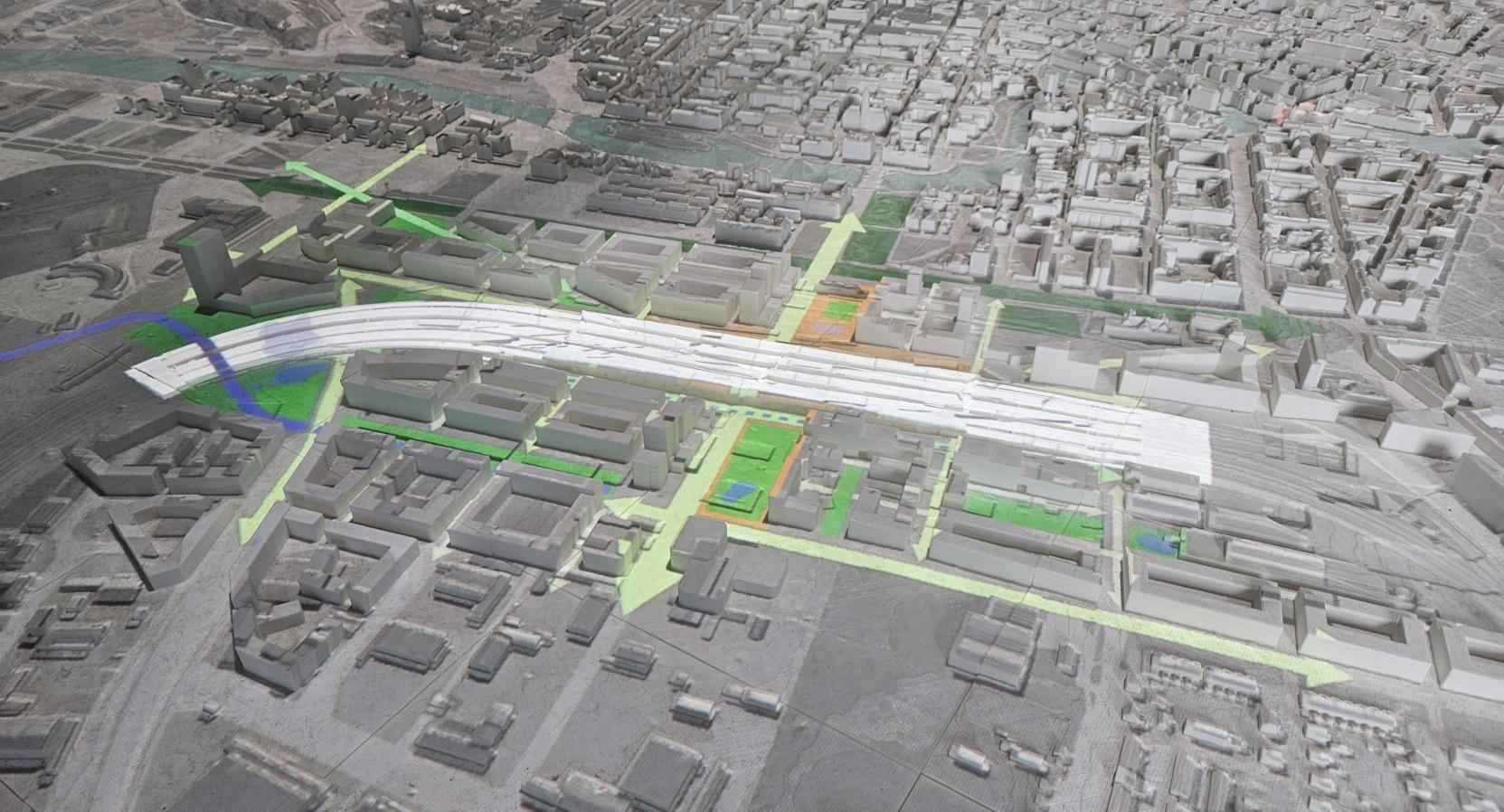
As part of the town hall meeting, we also created new content for the Simstad installation. A new scenario called "Urban development" was added, showcasing how the Ostlänken project would change the city of Norrköping around the new station area. Affected tiles of the 3D print was also updated with new models.
Spaces
Visual City
2023
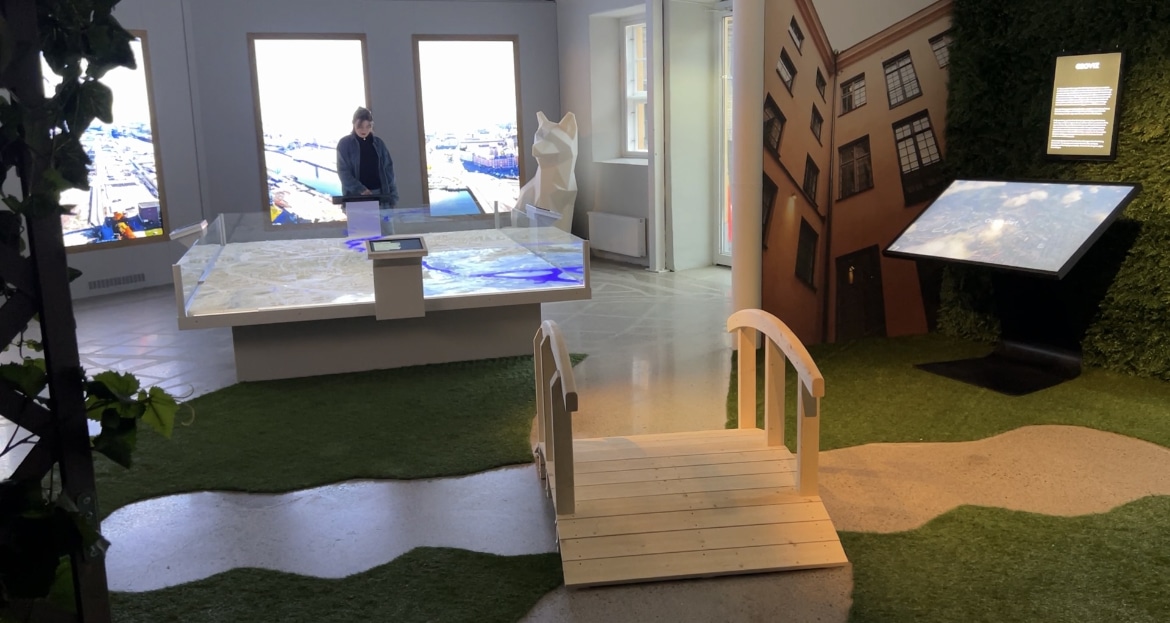
An interactive lab at Visualiseringscenter C showcasing urban development through AI, computer vision, and a digital twin of Norrköping.
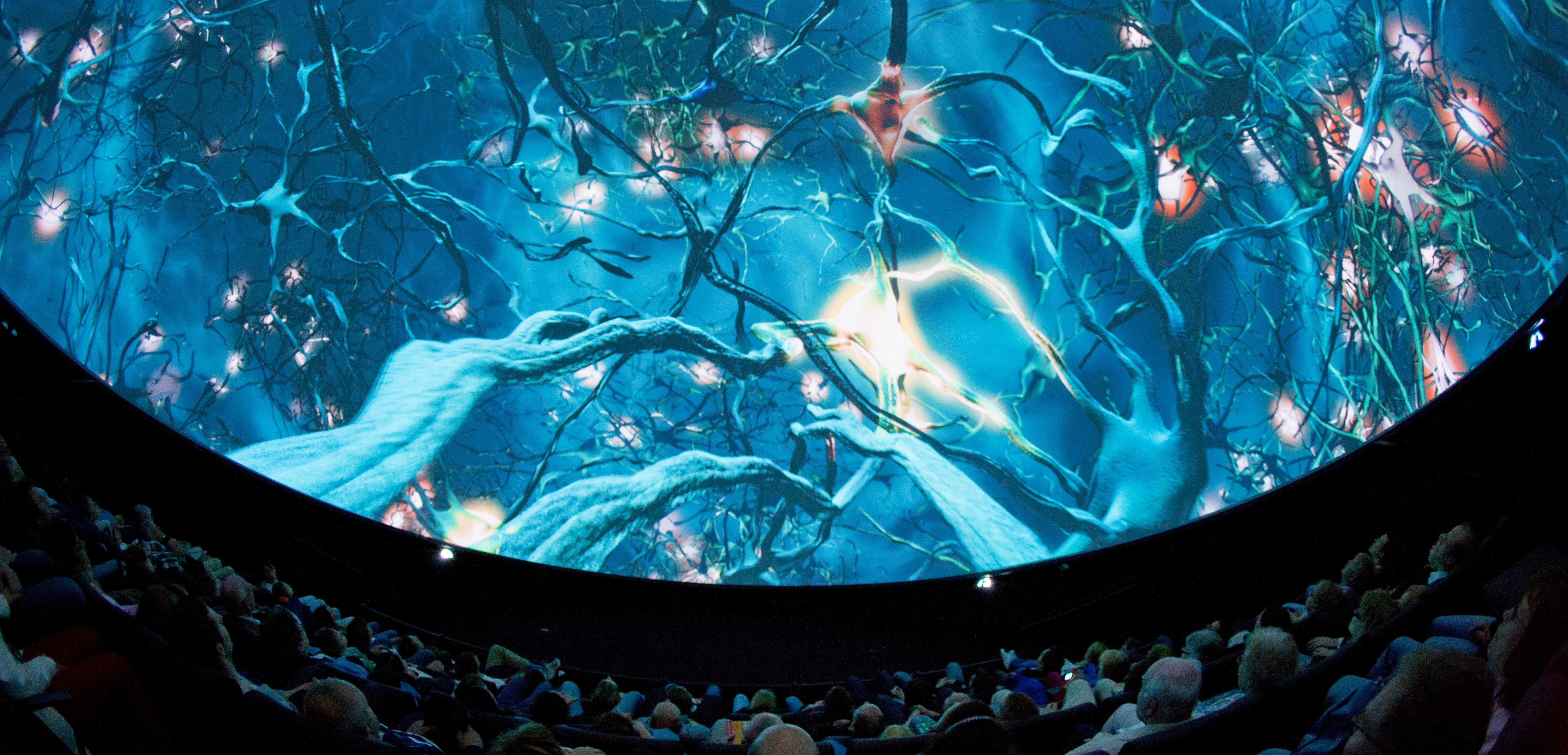
Wisdome Norrköping
2010
The immersive 360° dome cinema at Visualiseringscenter C, hosting cutting-edge 3D theater productions that translate complex research into unforgettable audience experiences.