City Exhibits
Contributors

Funding

City Exhibits
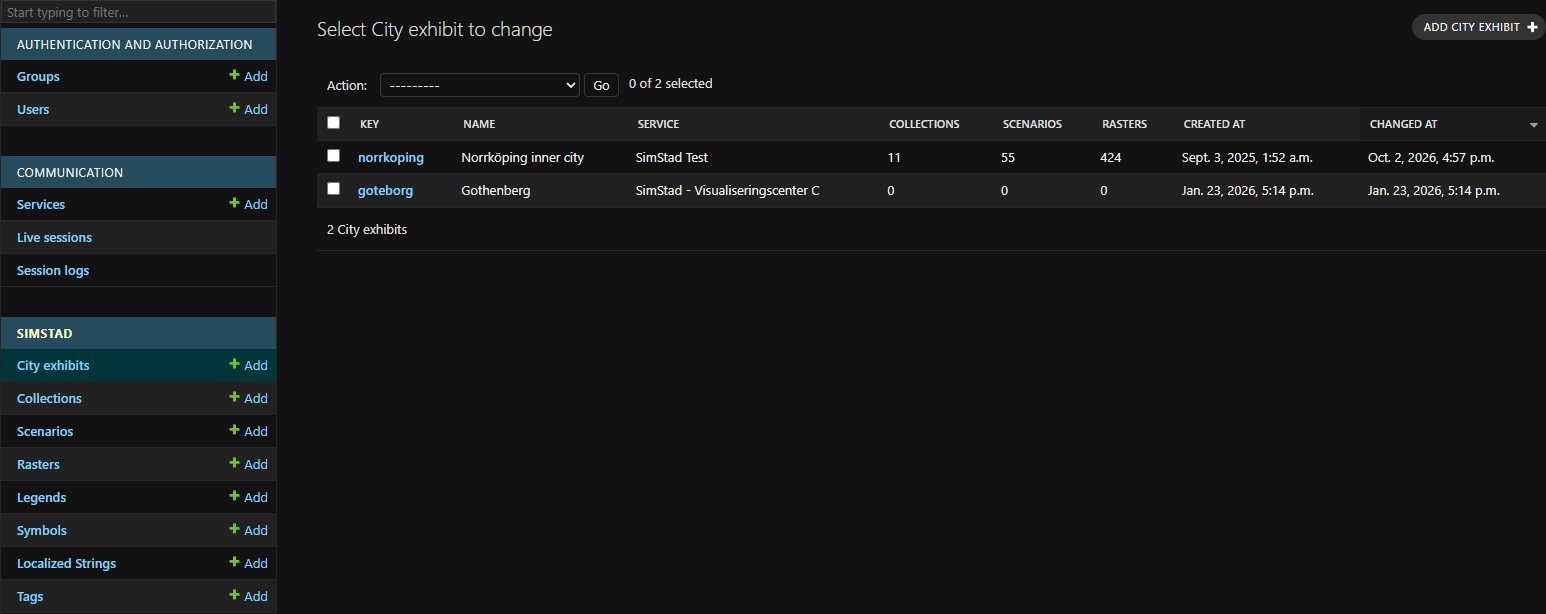
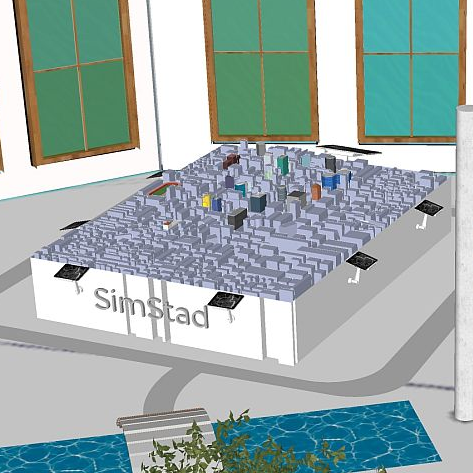
A City Exhibit is the root configuration for one SimStad installation. It represents a particular physical 3D model and defines the geographic bounds, raster dimensions, communication Service, and Collections shown to visitors.
Every Raster, Scenario, and Collection belongs to a City Exhibit. This allows one Omni server to host separate installations without mixing their media or stories.
Fields
After creating a new City Exhibit under Simstad > City exhibits in Omni Admin, add its details here.
| Field | Description |
|---|---|
| Key | Unique identifier used by the API and by CITY_ID in the Interface configuration. Use a short, stable value such as norrkoping. |
| Name (English/Swedish) | Visitor-facing name of the exhibit or city. |
| Service | The Omni Service used for communication between the Interface and Unreal Engine. |
| Default Blocks video | Name of the Blocks Task used for the wall displays when no Collection-specific video is selected. See Configure wall-display video. |
| Min X / Min Y | Minimum easting and northing of the represented map area. (SWEREF99 16 30, EPSF:3010) |
| Max X / Max Y | Maximum easting and northing of the represented map area. (SWEREF99 16 30, EPSF:3010) |
| Orientation | Cardinal direction of the Interface relative to the physical city model: north, east, south, or west. This keeps interactions aligned with the table. |
| Raster width/height | Pixel dimensions expected for full-size map Rasters. Match these to the projection output prepared for the exhibit. Norrköping uses 5120x3849. |
| Featured collections | Ordered list of Collections displayed on the Interface home screen. |
The coordinate fields use SWEREF 99 16 30 (EPSG:3010) in the original Norrköping installation. If another installation uses a different coordinate system, all source data and applications must agree on the same map extent and coordinate interpretation.
Set CITY_ID in the Interface configuration to this exhibit's Key. The Interface then loads only content assigned to this City Exhibit.
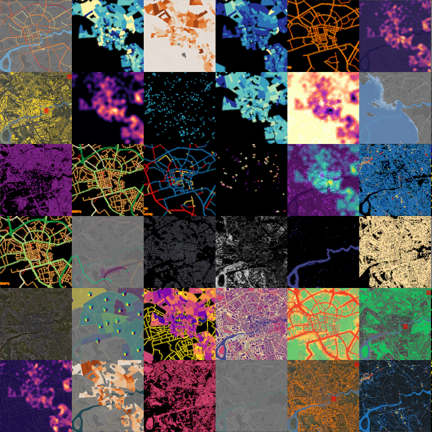
Once you have created a new City Exhibit, you can create Rasters that use its coordinates.
 Rasters