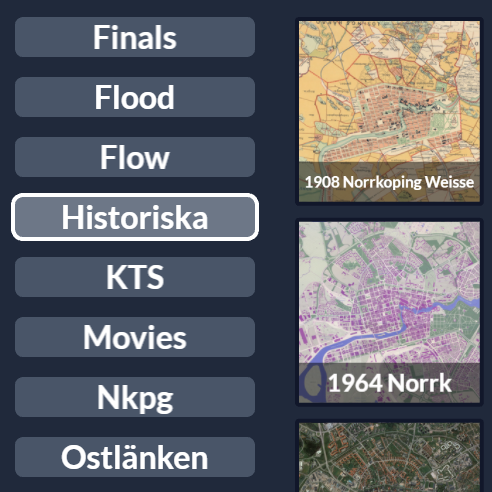
Tags
Contributors

Funding


Tags
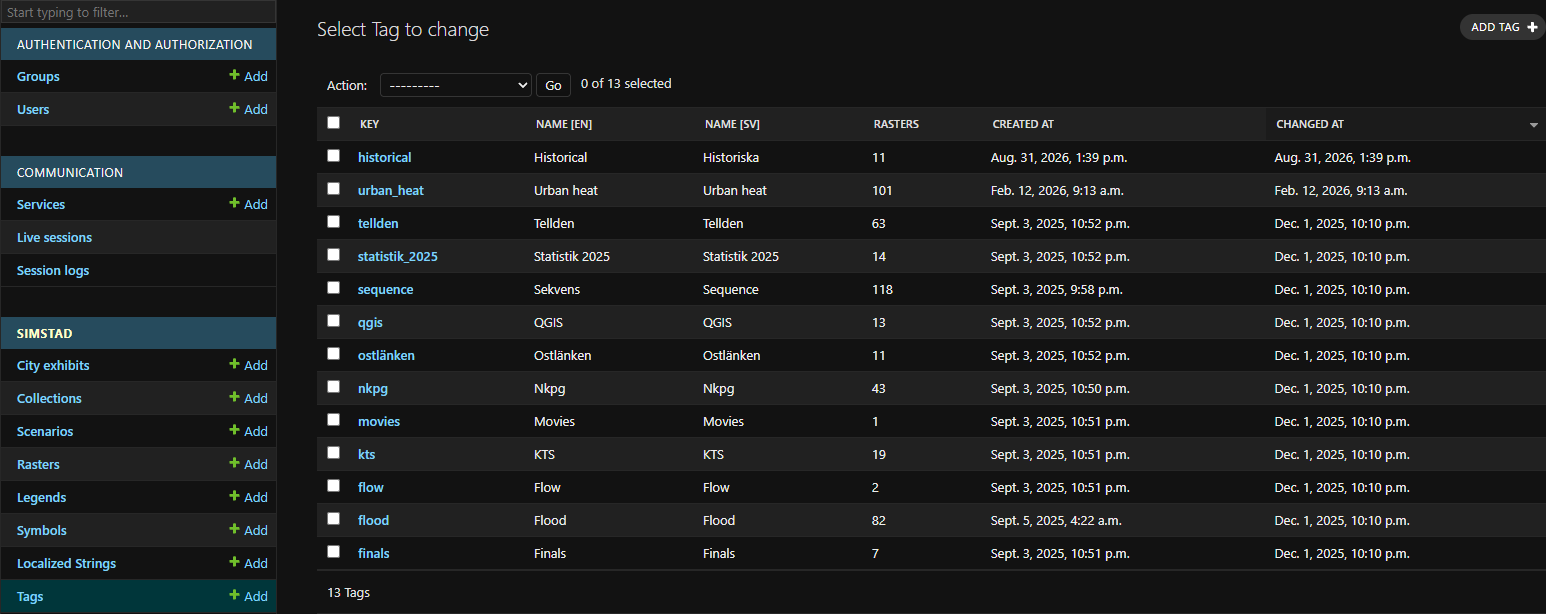
Tags are optional categories used to organize Rasters. They act like folders in the Interface's advanced Layers page, where operators can browse all available datasets outside the public Collection and Scenario structure.
A Raster can have multiple Tags, and a Tag can be shared by any number of Rasters. Tags are a flat list rather than nested folders.
Fields
After creating a new Tag under Simstad > Tags in Omni Admin, add its details here.
| Field | Description |
|---|---|
| Key | Unique identifier used by the API. Use a short, stable value without relying on the translated display name. |
| Name (English/Swedish) | Category label displayed in the Interface. Provide both languages used by the exhibit. |
Create the Tags you need before uploading Rasters so they can be assigned during normal or bulk upload. Prefer broad, recognizable categories such as planning, climate, traffic, or historical maps; too many narrowly defined Tags make the advanced Layers page harder to scan.
Tags affect organization only. They do not control which content appears in the public exhibition; that is determined by Scenarios, Collections, and the City Exhibit's featured Collections.
Once you have created a new Tag, you can add it to a Raster.
 Rasters