Collections
Contributors

Funding


Collections
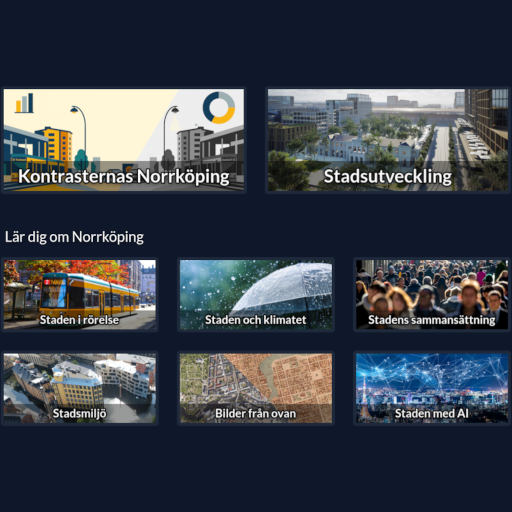
Collections are the chapters or themes shown on the Interface home screen. Each Collection has a preview image and an ordered set of Scenarios. Selecting a Collection opens its first Scenario, after which visitors can move between the Scenario tabs.
Fields
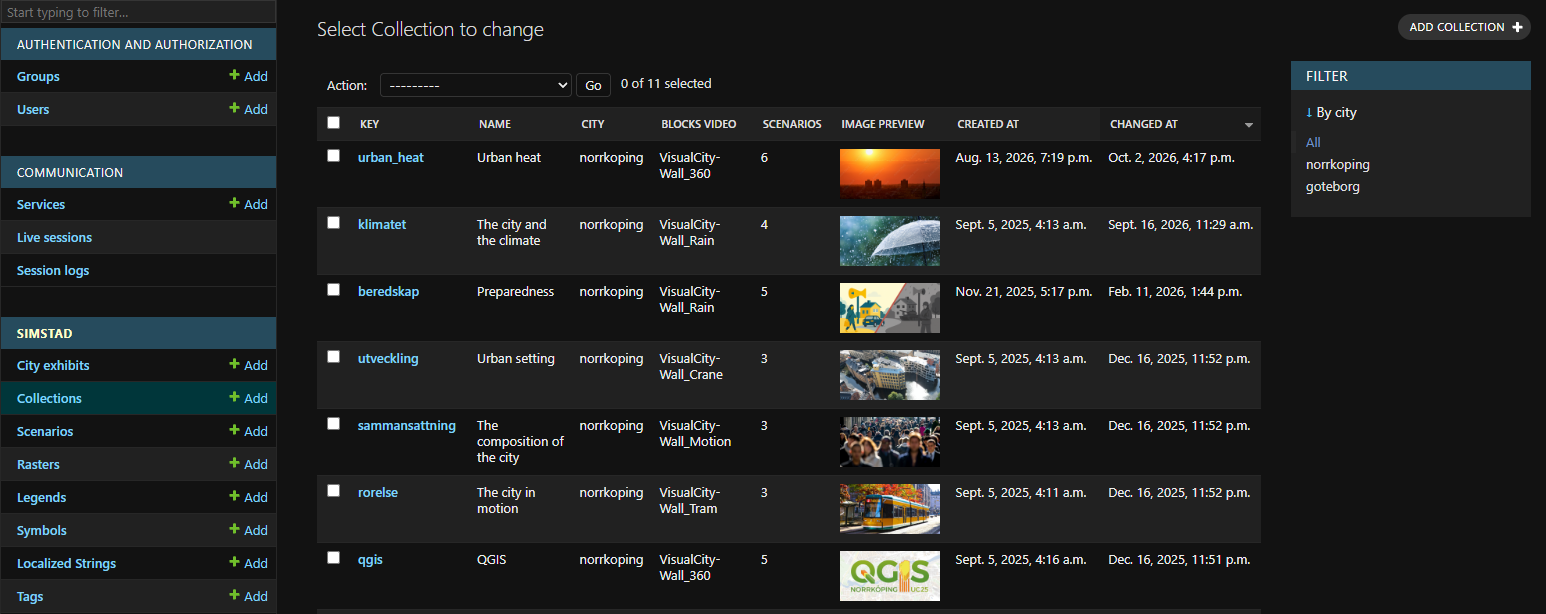
After creating a new Collection under Simstad > Collections in Omni Admin, add its details here.
| Field | Description |
|---|---|
| Key | Unique, stable identifier used by the API. |
| Name (English/Swedish) | Visitor-facing theme or chapter name. |
| City | City Exhibit to which the Collection belongs. Use Scenarios from the same City Exhibit. |
| Blocks video | Optional Blocks Task name started when a visitor enters the Collection. Use it to select synchronized wall-display content. |
| Image | Preview image displayed for the Collection on the Interface home screen. Use 512 × 256 pixels to match the layout. |
| Scenarios | Ordered list of Scenarios included in the Collection. |
If Blocks video is set, it must exactly match the Task configured on the Blocks server. See Configure wall-display video. Leave it empty when Blocks is not used or when the default City Exhibit video should remain active.
A Collection does not appear on the home screen until it is featured. Removing it from Featured collections hides it from the public flow without deleting its Scenarios or content.
Once you have created a new Collection, you can add it to a City Exhibit under Featured collections.
 City Exhibits