Legends
Contributors

Funding


Legends
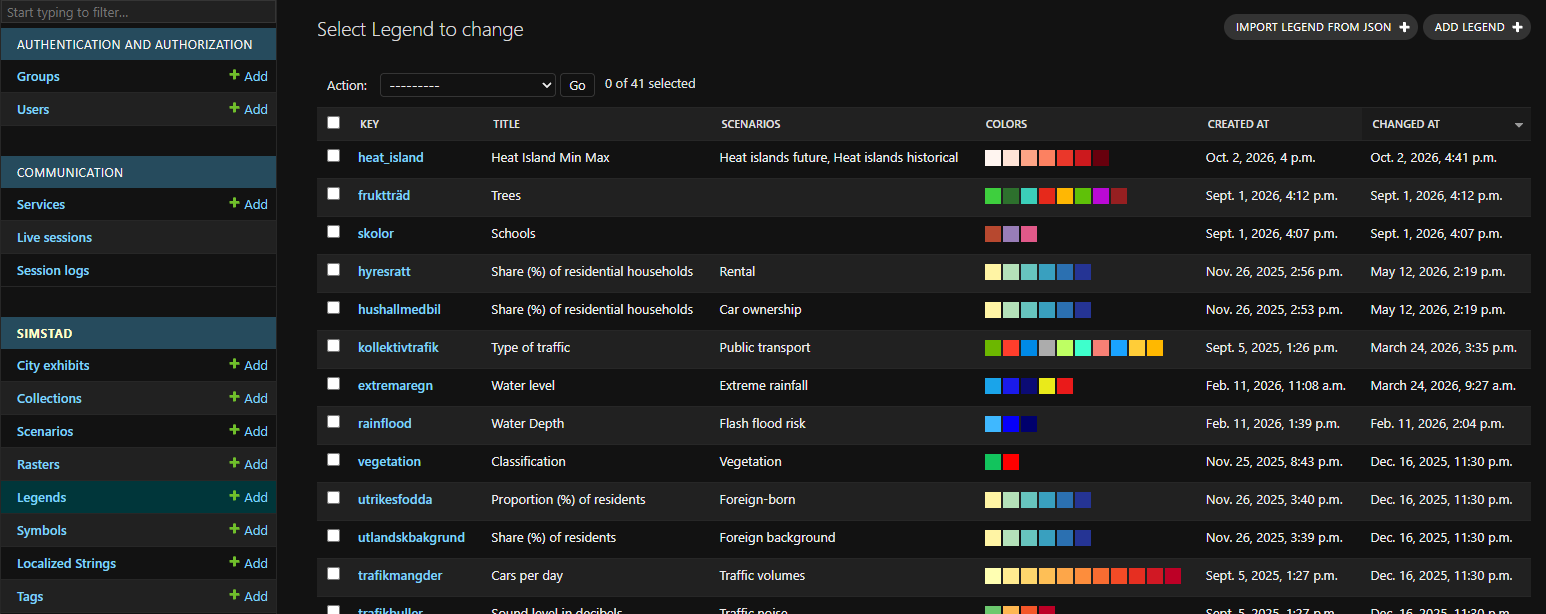
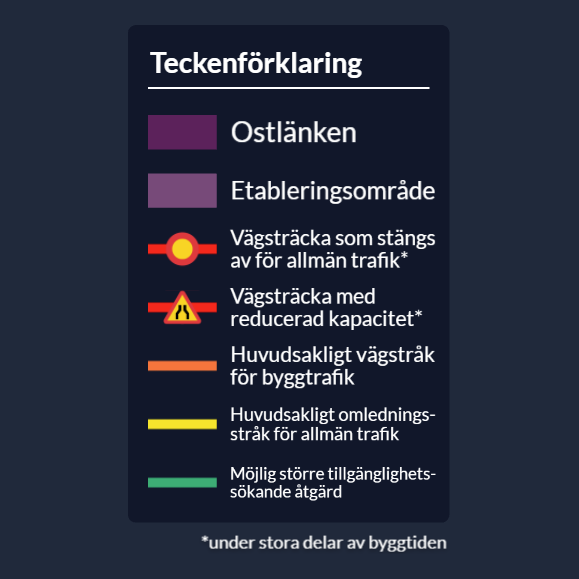
A Legend explains the colors and symbols used by a dataset. Legends are separate from Scenarios, allowing the same Legend to be reused when several Scenarios use the same scale or visual encoding.
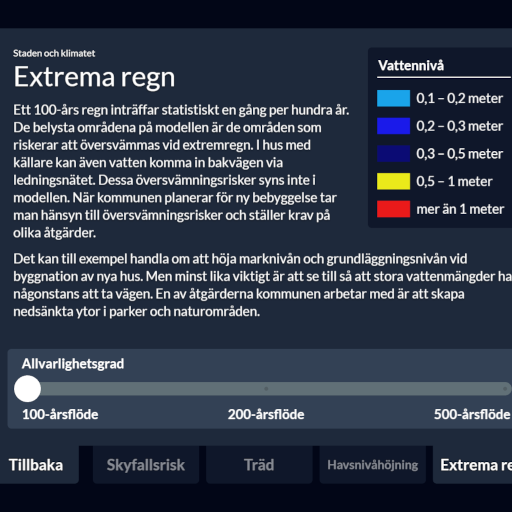
On surrounding displays, Omni places the Scenario description beside its Legend. See Omni and Legends for examples of the rendered pages.
Before making your first Legend, you need to register Legend Symbols to be used.
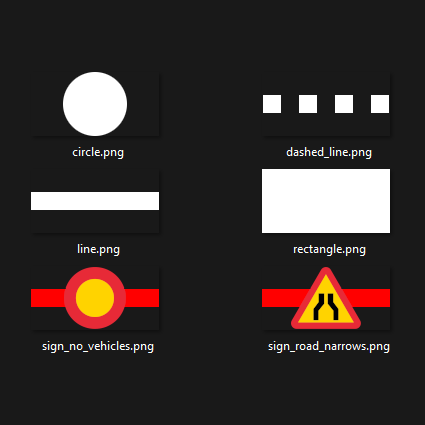 Legend Symbols
Legend fields
After creating a new Legend under Simstad > Legends in Omni Admin, add its details here.
| Field | Description |
|---|---|
| Key | Unique identifier used by the API and when selecting the Legend from a Scenario. |
| Title (English/Swedish) | Heading displayed above the entries. Include the measured quantity and unit where relevant, for example “Water level (metres)”. |
| Legend entries | Ordered list of labels, colors, and Symbols described below. |
Each Legend entry contains:
| Field | Description |
|---|---|
| Text (English/Swedish) | Meaning of the corresponding map value, category, or interval. |
| Color | Color associated with the value. Match the color used in the Raster as closely as possible. |
| Symbol | Reusable Legend Symbol displayed beside the text. |
Drag entries into the same logical order used on the map, such as low to high values. Keep labels concise enough to fit the physical legend screens, and provide both languages before testing the Scenario.
Import entries from JSON
In addition to Add Legend, the list page provides Import legend from JSON. This is useful for legends exported or generated from QGIS, Python, or another data-processing workflow, especially when a scale contains many entries.
Use the import form's current field format and verify the resulting colors, Symbols, translations, and order in Omni Admin before assigning the Legend to a Scenario. Manual entry remains appropriate for short legends.
A Scenario may use either a structured Legend or a single Legend image, but not both at once.
Once you have created a new Legend, you can add it to a Scenario.
 Scenarios